Photoshop : Producing a painting from a photograph

Nikon D7000, 18-200mm lens, iso 100
Grange Crag walk, Co Tipperary
Landscape photography: Nigel Borrington
A very different post today, For many weeks I have just posted photographs and it remains my main interest here but I just wanted for a little time to talk about Abode photo-shop and an application called My-paint.
Art has always been of a big interest to myself and I view all my images as a form of artistic production, some people don’t see photographs as art they are to much of a completed process or they don’t see any artistic process involved in the taking of images using a camera. To a point I do get this view, however I think the speed and directness of a camera can offer results that a painter or an artist with a pencil will not capture.
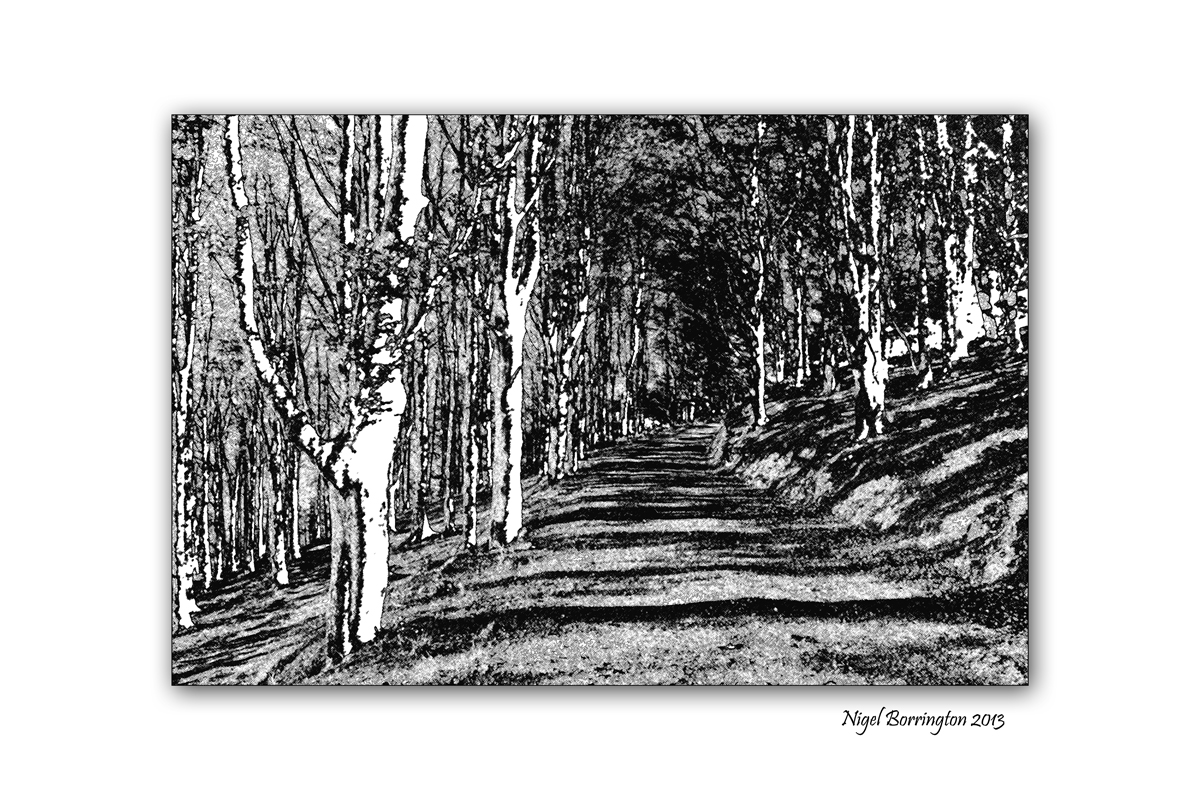
Here I post some result from working with a photograph in adobe camera raw and then photo-shop, in order to produce more developed results. In the first of the images below I have converted the photograph into black and white then using photo-shops levels and curves tools I have increased the brightness and contract until only the outlines of the trees exists.
In the third image down I have taken one of these black and white images and over painted it with photo-shops brush tool adding layers of different colour.
The last image and painting is taken from the second black and white image loading it into an application called My-paint, this is a free painting tool and is packed with great brush and pen tools. Using it I have created lots of layers of different colours and opacities in order to produce the final result.


 Nigel Borrington
You must be logged in to post a comment.